When the spreadsheet stops being enough
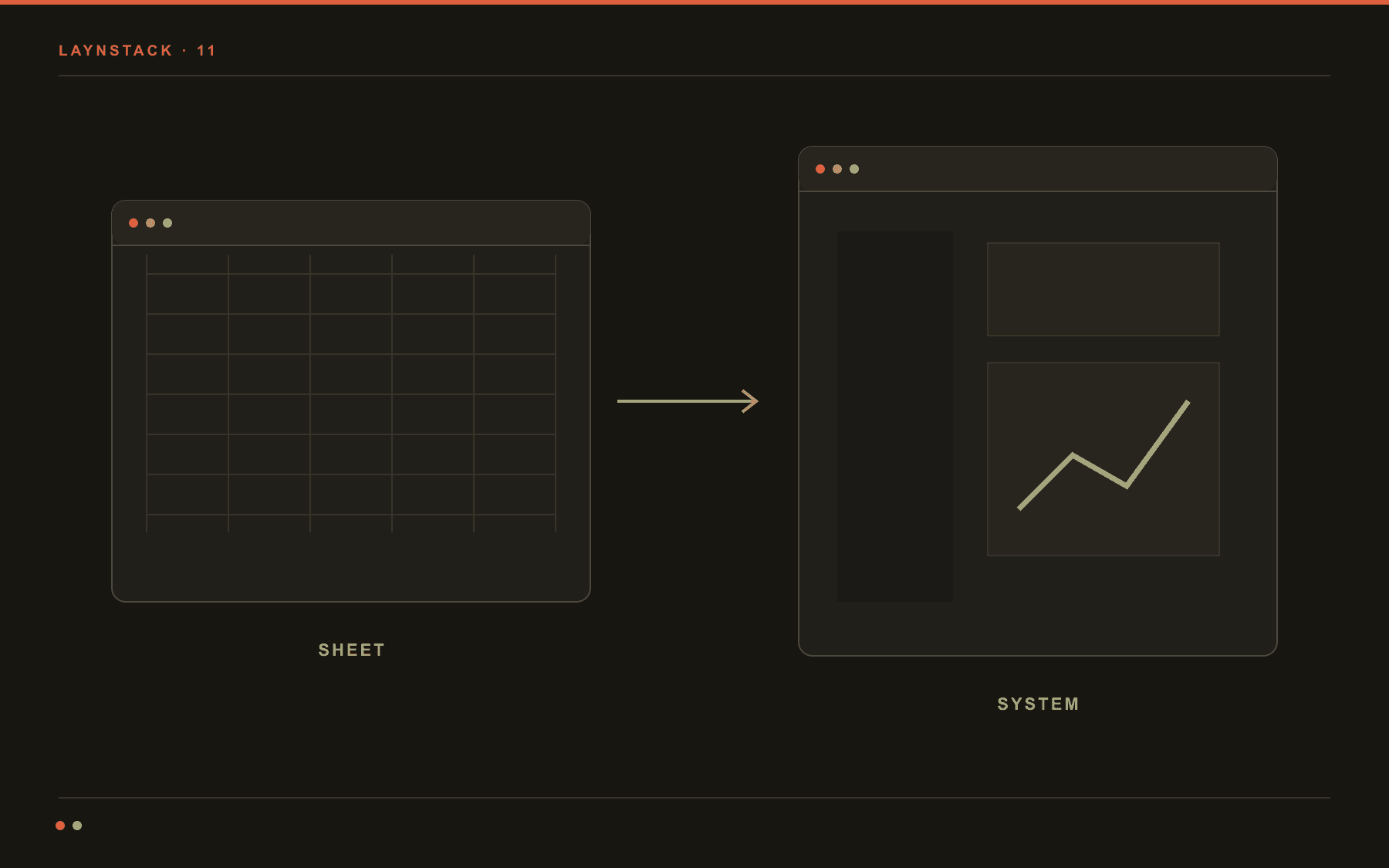
A spreadsheet is not a bad tool. A great many companies run on one today and for most of them that is the correct choice. The problem is never that the file is bad; it is that past a certain point it stops being enough on its own. This note is about recognising that point and about what to move first when you reach it.
What a spreadsheet is genuinely good at
A spreadsheet is the fastest tool in existence for running work whose rules have not settled yet. You add a column without asking permission, change a formula in the same minute, and see the result without consulting anyone. If a process is still being discovered, commissioning software for it is almost always an early decision.
So “let us get off spreadsheets” is not a goal by itself. The goal is to take away the work the file can no longer carry, and to leave it the work it carries well.
The signals that it has run out of room
- 01Several versions of the same file are circulating and the filename is how you tell which is current.
- 02Two people cannot work at once; one waits for the other to finish.
- 03Nobody can go back and show why a number changed.
- 04Only one person can use the file correctly, and the work stops the week they take leave.
- 05To show someone the part they need, you have to send them the whole file.
- 06A value typed into the wrong cell spreads downward before anyone notices.
One or two of those and the spreadsheet is still the right tool with a discipline problem. Four or more and it is a tool problem, and discipline will not fix it.
What is actually missing
Where a spreadsheet runs out, the thing missing is rarely calculating power. Four things are missing, and all four are absent by the nature of the format: working at the same time, a record of who changed what, a rule that stops bad data at entry, and control over who can see which part.
- Concurrent work
- In a panel two people open the same record at once and the system handles the clash. In a file it is solved by queueing.
- Change history
- When a field moved, who moved it, and from which value to which, stays on the record. The argument ends.
- Entry rules
- A field that cannot be left blank, an impossible date, a customer code that does not exist: all stopped while being typed.
- Permissions
- Sales sees its own customers, finance sees the amounts, nobody sees everything. In a file it is all or nothing.
- One source of truth
- Reports are produced from the record rather than from a copy of a file. The question of which version is current disappears.
What to move first
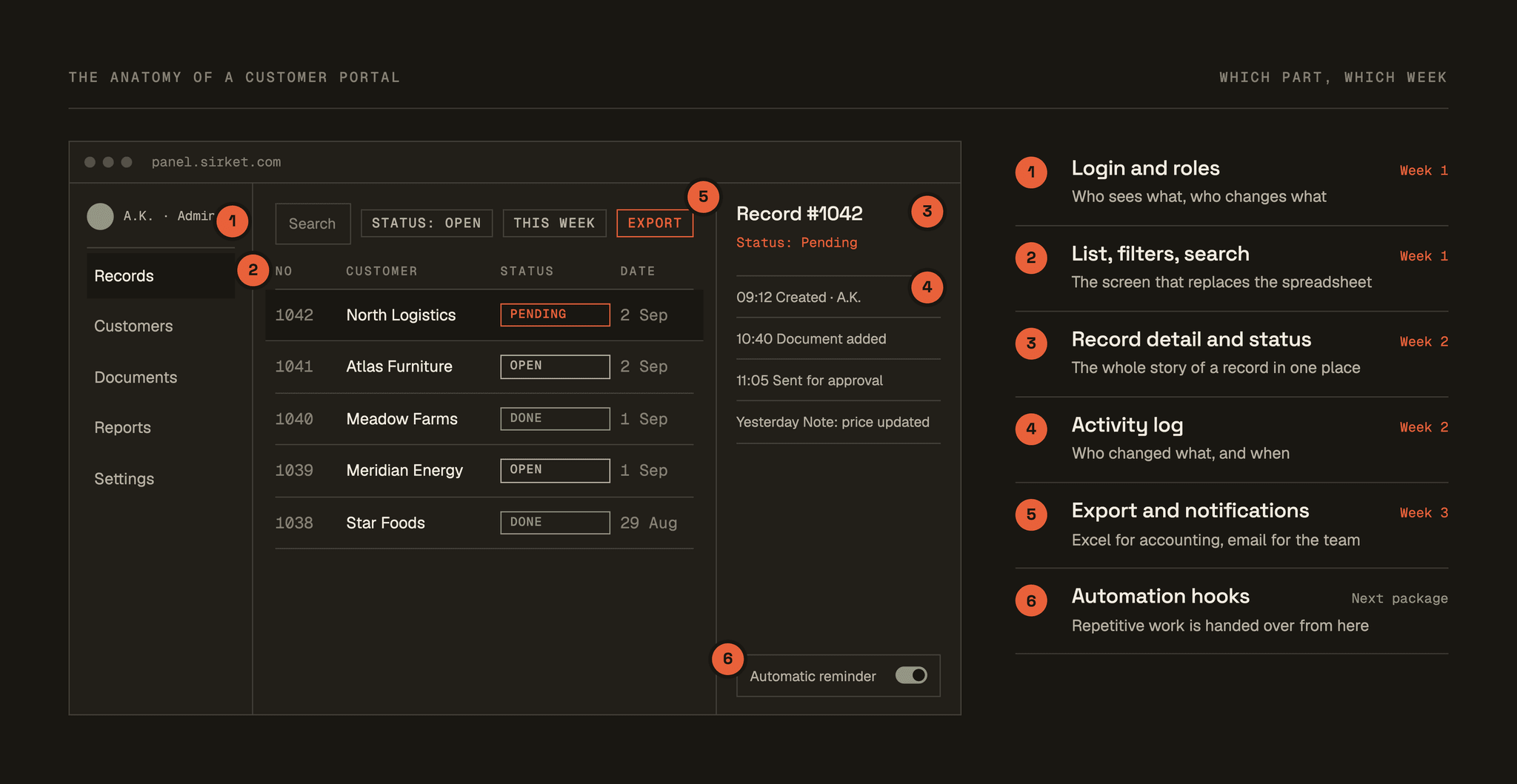
The most common mistake is trying to move the whole spreadsheet in the first release. That stretches the project over months and it is usually abandoned halfway. The right start is the single column that hurts most.
- Move the record that is touched every day. The tab opened once a month can wait.
- Move data entry before reporting. If entry lands in the right place, the report can already be produced.
- Start with one group of users. Five people using it properly makes opening it to twenty easy; the reverse is not true.
- Do not delete the old file in the first week. Let both run in parallel for a while; trust comes from comparison, not from assurance.
A first release scoped this way can usually go live in two to six weeks. What stretches it is rarely the software. It is how scattered the old data turns out to be, and how long access permissions take to come through.
What should stay in the spreadsheet
Even after an internal system is running, the spreadsheet does not disappear, and it should not. A one-off analysis, a quick test of a scenario, a calculation nobody else needs to see: that is the file's work, and moving it into a panel only slows you down.
What happens after the system
The interesting thing about a panel going live is that repetition which was invisible until then becomes visible. The same report stitched together every Monday, the same email written again, the same document entered in two places. In a spreadsheet these were scattered enough to go unnoticed; in a system they repeat on the same screen, which makes them countable.
That is the natural starting point for automation. The order matters, though: first the system that runs the work, then the repetitive work within it. Projects that start the other way round usually stall, because what should be automated was never settled.