AI integration
An assistant that reads your own data.
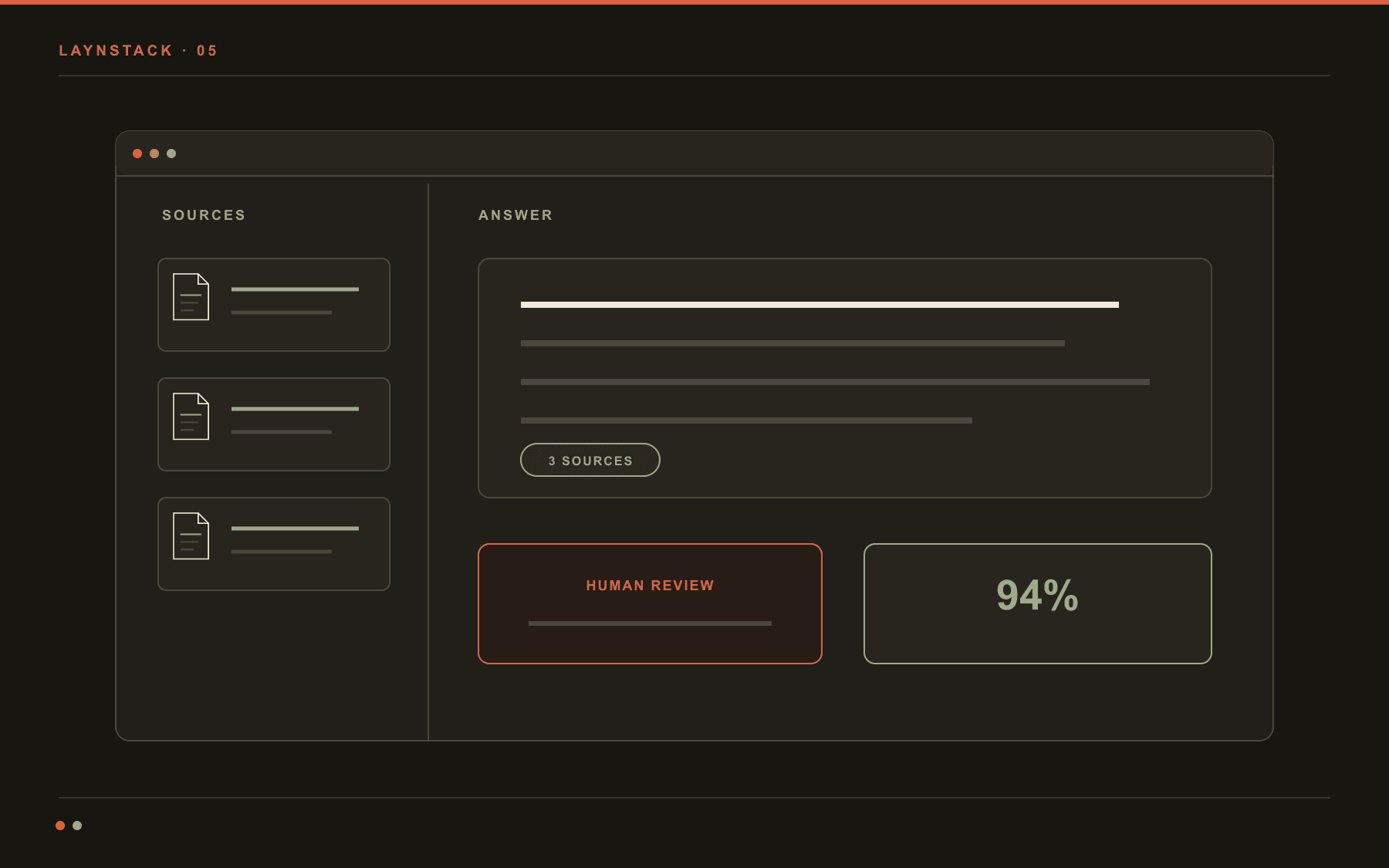
AI integration means putting a model on top of your own documents, records and correspondence. A general model has never seen your price list, your contract template or last month's shipping records. We connect it to those sources, show where every answer came from, and make sure it declines when the sources are not there.
Most of this work is not choosing a model. It is splitting and indexing the data properly, and writing down what counts as a correct answer. That is where the weeks go. The assistant is often not a separate product either: it ends up as one screen inside the panel we build.
- Typical span
- 3–8 weeks
- First output
- A working prototype
- Hosting
- Türkiye, the EU or your own servers
- Measurement
- An evaluation set
The numbers we watch on this work
- 120
- Evaluation questionsWritten and scored before anything goes live
- 92%
- Grounded-answer barA build that scores below it does not ship
- 3s
- Response targetMedian, retrieval included
- 0
- Personal fields sent rawMasking happens before the request leaves
- 1week
- Demo intervalEvery week there is a build you can try yourself
The four parts of an AI integration.
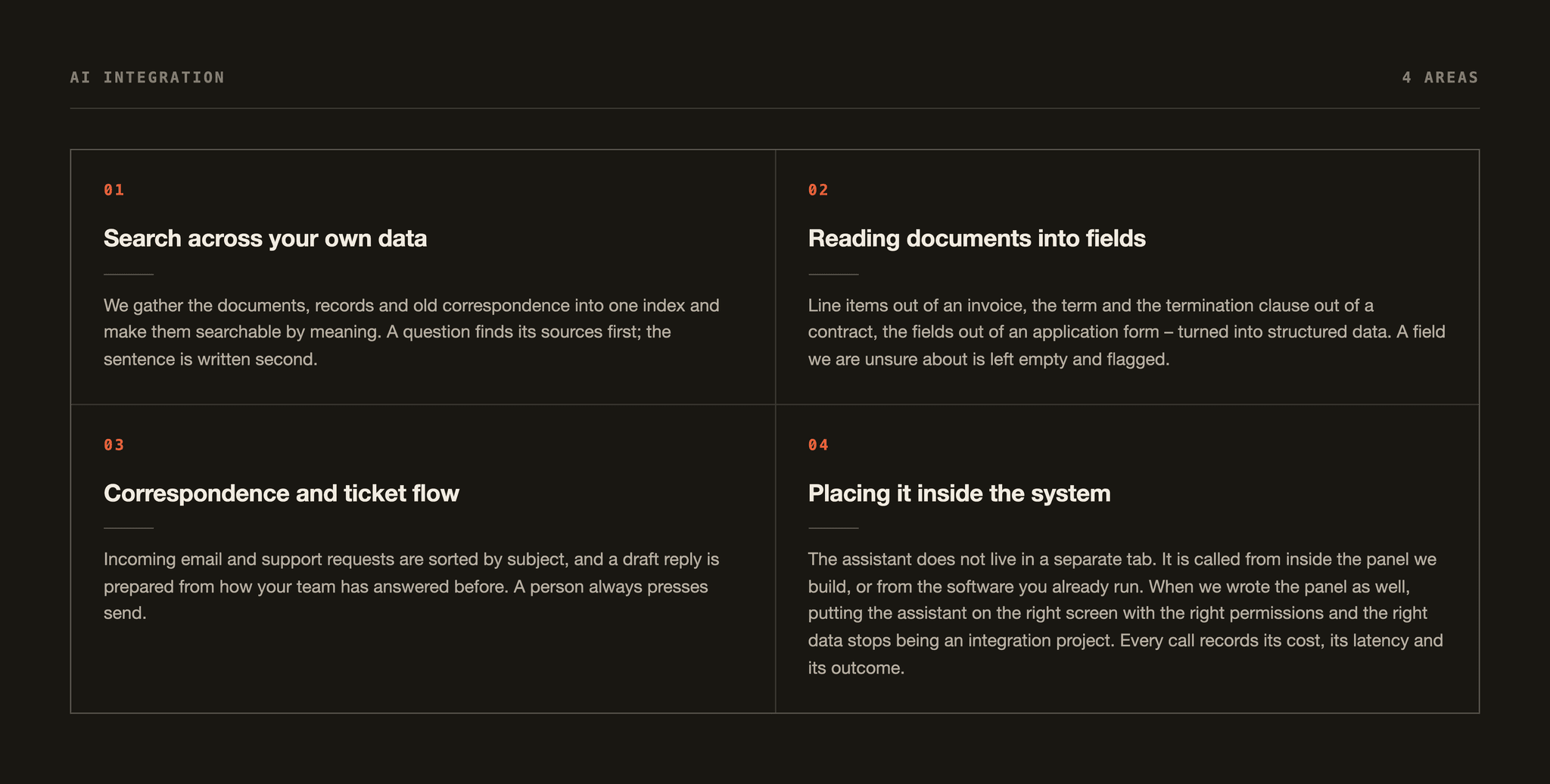
Four kinds of work. Most projects combine two of them, and we decide which two in the first fortnight.
Search across your own data
We gather the documents, records and old correspondence into one index and make them searchable by meaning. A question finds its sources first; the sentence is written second.
- PDF, Word, mailboxes, databases
- Chunking and a re-indexing schedule
- A link to the source under every answer
Reading documents into fields
Line items out of an invoice, the term and the termination clause out of a contract, the fields out of an application form – turned into structured data. A field we are unsure about is left empty and flagged.
- A confidence score per field
- Doubtful records go to a person
- Output written straight into your system
Correspondence and ticket flow
Incoming email and support requests are sorted by subject, and a draft reply is prepared from how your team has answered before. A person always presses send.
- Subject, urgency and owner assigned
- Drafts written in your house language
- Approved replies feed back into the examples
Placing it inside the system
The assistant does not live in a separate tab. It is called from inside the panel we build, or from the software you already run. When we wrote the panel as well, putting the assistant on the right screen with the right permissions and the right data stops being an integration project. Every call records its cost, its latency and its outcome.
- A screen inside the panel, an API outside it
- A token and latency log
- Scores compared between builds
The path one question takes.
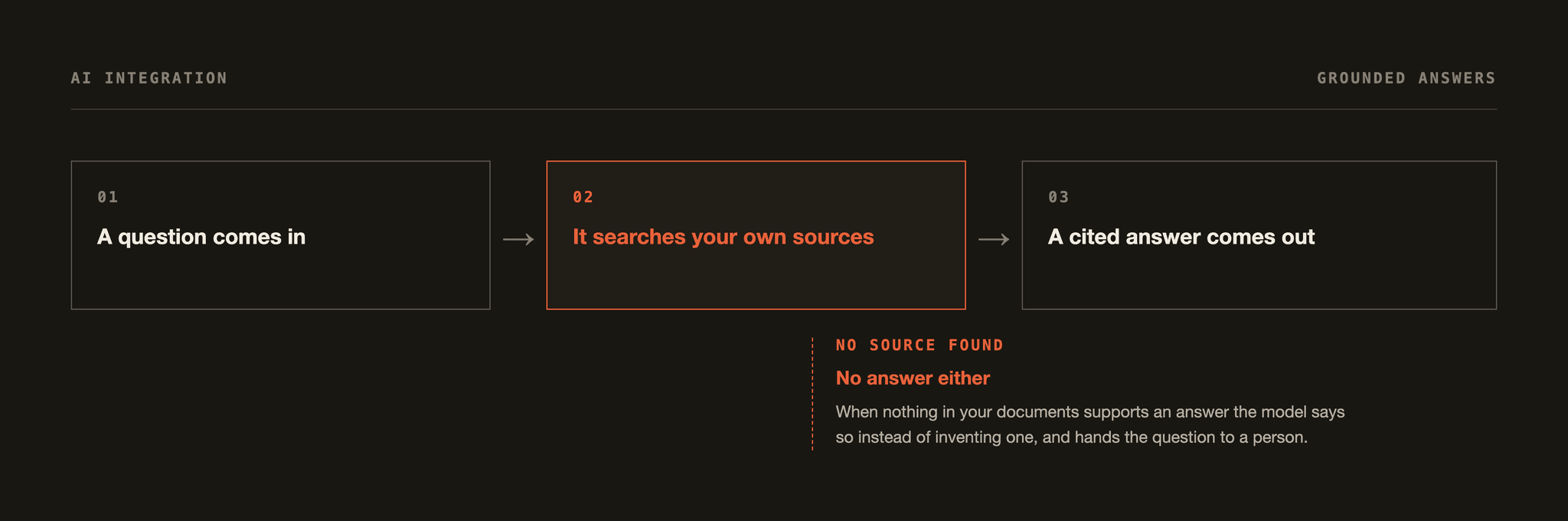
Below is the shape of an archive assistant. The branch on the right is the point: when the sources are not good enough, the system refuses instead of inventing.
The question
“What was the average delay on shipments to Rotterdam last year?”
- 01
The question is parsed
Date range, place name and the measure asked for are pulled into separate fields.
- 02
Sources are retrieved
The twelve closest passages are pulled from shipping records and port reports.
- 03
Sources are filtered
Passages outside the date range or too weakly related are dropped. Four remain.
- 04
Threshold check
The remaining sources are tested against what the question actually asks for.
Threshold met
The answer is written
The number is computed, the sentence is written, and the four source rows are listed underneath. The reader can click through to the original record.
Threshold missed
The system does not answer
It reports that it cannot answer from the records it has, and writes down what it looked for and what was missing. Those questions are logged, and the list of gaps is reviewed every week.
A made-up answer is a design failure, not a model failure. A system without a threshold and a refusal branch will sooner or later be confidently wrong.
What you get at handover.
When the work ends, all of it sits in your repository. It has to run – and be changeable – without us.
- 01code + infrastructure
The running service
Retrieval, model calls and logging in one service, with a Docker image and a deployment definition.
- 02CSV + runner script
The evaluation set
A hundred and twenty questions written from your own data, with expected answers. It runs after every change; if the score drops, the build does not ship.
- 03web panel
An admin screen
Questions asked, answers given, refusals, and cost. Filterable and exportable.
- 04PDF + Markdown
A data note
Where each source comes from, how often it refreshes, which fields are masked. Written to drop straight into your KVKK file, or your GDPR file if you sell into the EU.
- 052 × 90 minutes
Handover sessions
Two of them: one for your developers, one for the people who will use it daily. You keep the recording.
- 06included
Thirty days of support
For the first month after launch, tuning the thresholds and handling surprises is on us.
Four questions.
The ones that come up most on a first call about this service.
No. On the business APIs training is off and we put that in the contract; where the work is sensitive enough we run the model on your own servers instead. Either way you see in advance exactly which fields leave the building. Personal data stays inside your own infrastructure unless there is a reason it cannot.
Every answer arrives with its sources, so a wrong one is visible immediately. The cause is usually a missing or stale document, and fixing that document helps more than changing the model. Recurring mistakes get added to the evaluation set as new questions.
We don't decide up front. In the first week we run the same evaluation set across two or three models and put the score, the latency and the monthly cost side by side. The service is written to be model-agnostic, so swapping later is one line of configuration.
No, don't wait. Messy is normal, and splitting and cleaning it is the first task anyway. The only requirement is that the sources are reachable from somewhere: a folder, a shared drive or a database all work. If the records do not sit in any system yet, the job starts with building that system rather than with a model.
Next step
Let's talk about what to build, or what to automate.
A free twenty-minute call. You will be talking directly to the technical team doing the work, not a salesperson. Bring a site, a dashboard, or a task your team repeats every week – if it is not worth building, we say so.
- Free · 20 minutes
- Directly with the technical team
- Reply within 1 working day